In the 15 years since it first appeared on the iPhone, Apple’s Find My technology has transformed from a simple GPS-based phone finder to a versatile ecosystem of devices not just from Apple but many specialized accessory makers in all exciting shapes, sizes, and forms.
Apple’s Find My app offers a unified, secure way to locate all your Apple devices (iPhone, Watch, AirPods, and Mac) and items (AirTags plus third-party trackers such as these reviewed here) via an anonymous network of millions of Apple devices that ping encrypted Bluetooth to report their location back to iCloud, even when offline. These are detected by other nearby Apple devices, relaying the location data securely to you. Find My helps you to locate misplaced items in seconds, alerts you if you leave them behind, and works through your Apple device.
Find My features
• See all your devices on a map
• Get the distance and direction with Precision Finding
• Share your lost item’s location
• Play a sound to find your device
• Notify When Left Behind
• Display a message for someone who finds it
• Find devices that are offline or powered off
Best Find My AirTag alternatives
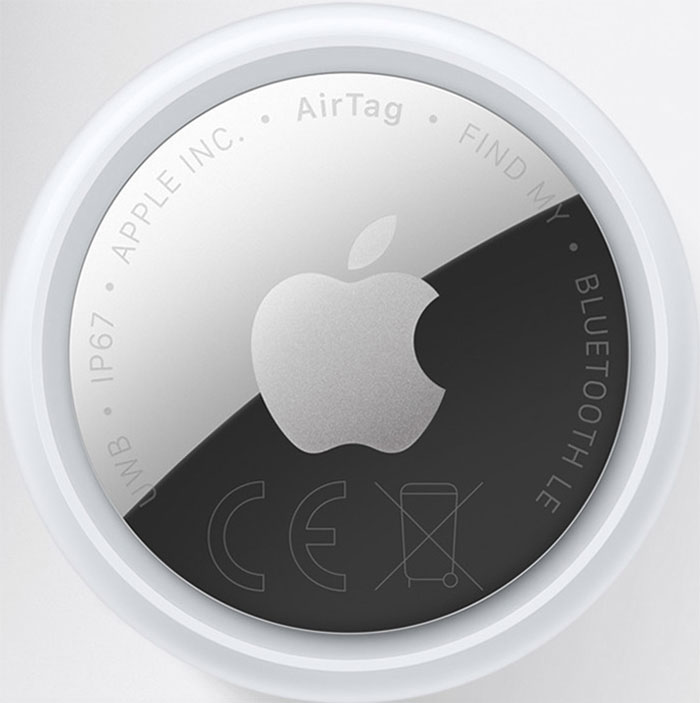
Apple’s AirTags are cute, but at 8mm thick, they’re too bulbous to realistically fit in your wallet. The latest 2nd generation AirTag doesn’t change the original’s dimensions, leaving the market open to third-party trackers that are thinner, louder and more capable.
The most common type of AirTag alternative that works directly with Apple’s Find My is a thin card design that can slip into your wallet or purse just like a bank card. These can be under 2mm in thickness.
If you have an AirTag, stop reading and check out the best AirTag accessories, but if you need a new tracker, Apple’s Find My ecosystem has broken away from locating just Apple devices and AirTags to tracking just about anything, from keys to wallets, glasses cases, and passports, to bikes and pets (although Apple doesn’t recommend AirTags for pets).
In January 2026, Apple released a new version of its AirTag; read our new AirTag 2 review. The 2nd Generation AirTag features a louder alert chime and improved range for super-local discovery. However, it retains the same small but curiously bulky shape that makes these third-party FindMy trackers more appealing.
While all the non-Apple trackers listed below work perfectly with Apple’s Find My app, there is on area where the AirTag offers something unique: Precision Finding, which uses an Ultra Wideband chip that is exclusive to Apple and not publicly available to other tracker makers. This feature guides you to the tracker with more detailed directions when you are close by—within about 10–15 meters (33–50 feet). The non-AirTag trackers will guide you on a map just like an AirTag but reply on their alert sound when you get closer.
Here we roundup the best Find My Bluetooth trackers, sorted by category. Some of them also work with Google Find Hub as well as Apple Find My. Think of each as an AirTag in a different shape and form—usually more convenient than Apple’s bulbous tracker pebble.
• Best Find My wallet cards
• Best Find My luggage accessories
• Best Find My passport holders
• Best Find My keychains
• Best Find My glasses case
• Best Find My magnetic iPhone wallets
• Best Find My MacBook sleeve
• Best Find My bike tracker
Best Find My wallet cards
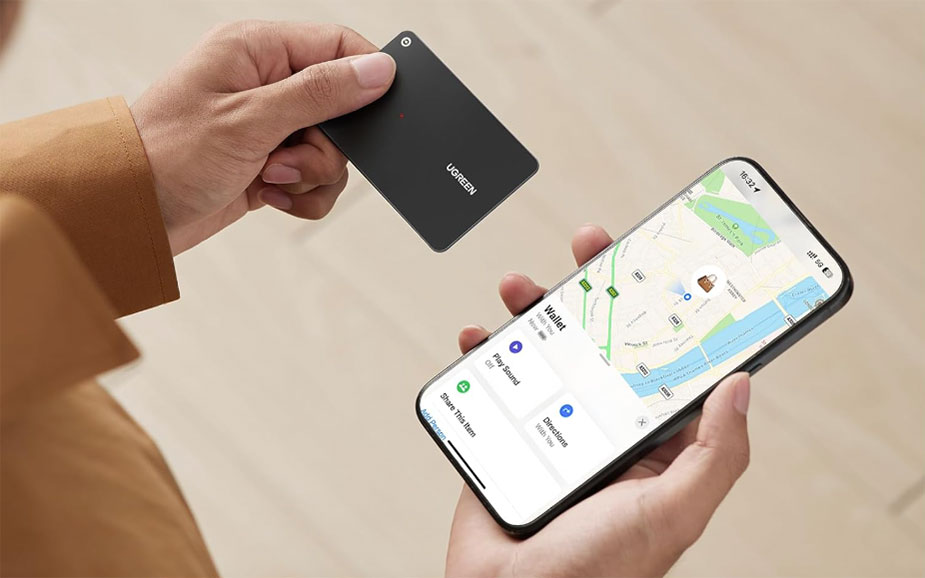
The thinnest Find My trackers you can buy, these cards will fit in your wallet or general card slots just like any bank or travel card. There are wallets that fit Apple’s AirTags but they add unnecessary bulk compared to these slim trackers. Even Apple’s new AirTag is still too bulky for slim wallets so these Find My wallet-card trackers are perfect alternatives.
Best Find My luggage accessories
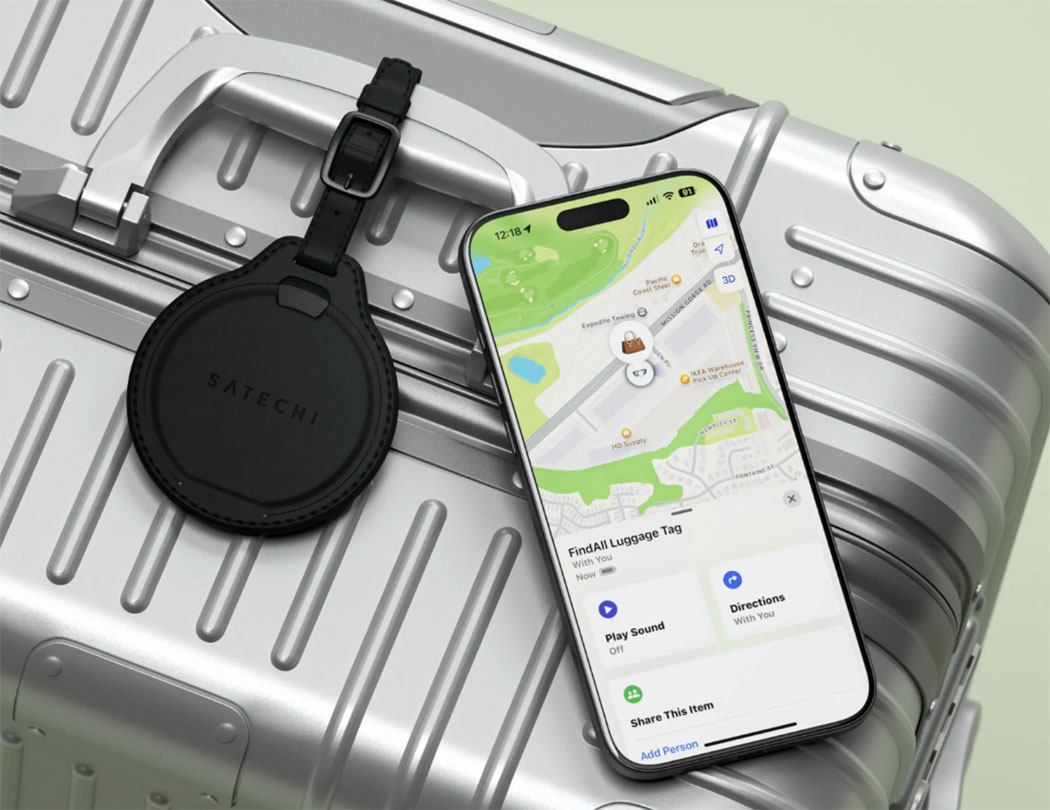
Losing luggage on your travels is a dread that can be allayed with a Find My tracker embedded into the tag. You can even use it to guess when your suitcase is coming down the carousel or discover with horror that it’s in South America rather than Paris. Of course, the Apple AirTag does this too, but requires an extra accessory holder.
Best Find My passport holders
In the days when air travel was a rare treat or when you travelled to different continents via ocean liner, everyone had a passport holder. The advent of the Find My tracker puts the passport wallet back in vogue and makes it even more useful.

Best Find My keychains
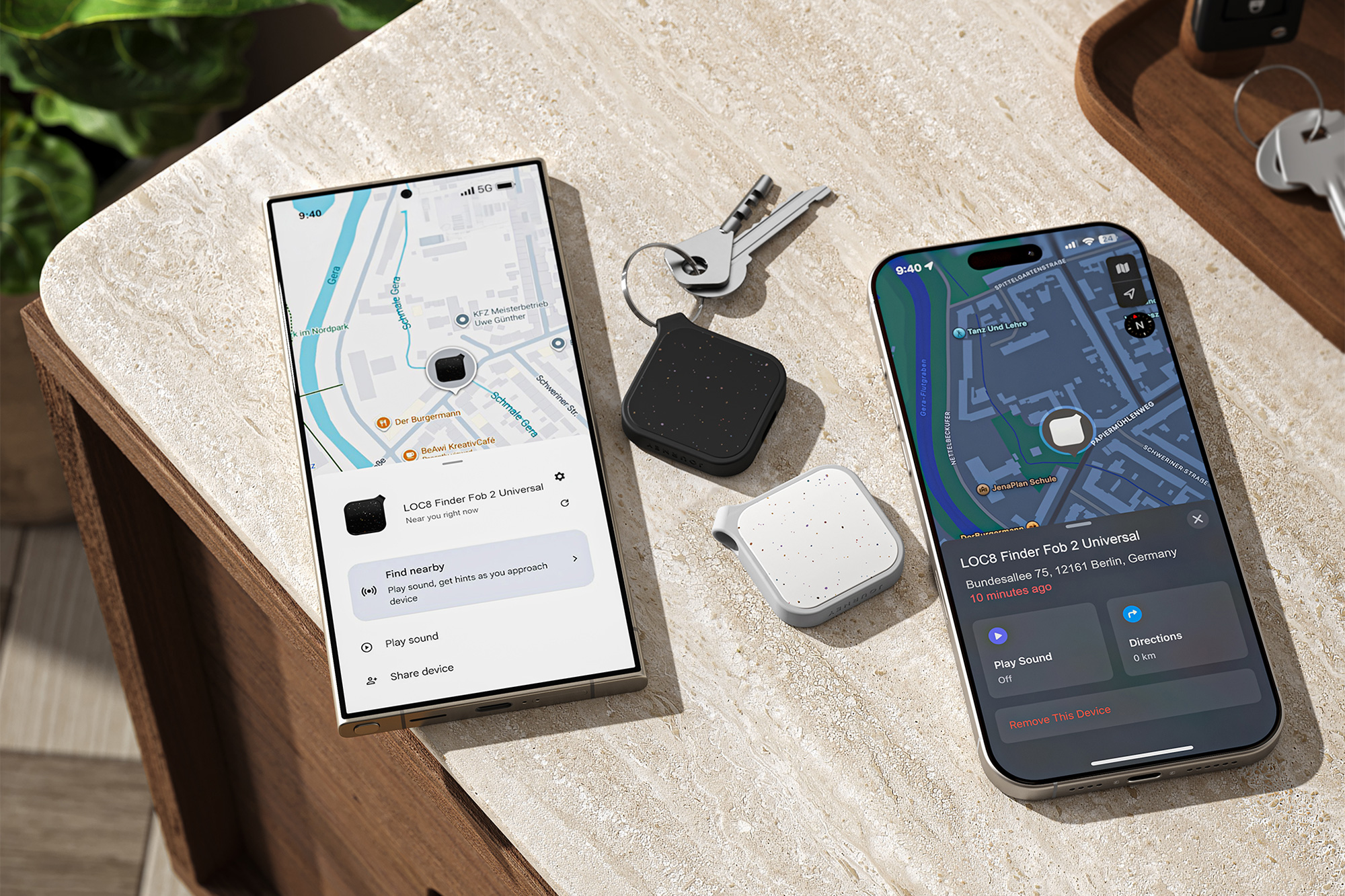
Although it’s one of the most obvious uses for an AirTag, Apple’s device has no hole or loop for attaching it directly to a keyring. There are plenty of good-looking keychains that can host an Apple AirTag—indeed we have reviewed a bunch of them in our roundup of the best AirTag accessories. The expansion of the whole Find My ecosystem means you don’t have to choose Apple or AirTag, just certified Find My solutions, including these excellent third-party keyrings.
Best Find My magnetic iPhone wallets
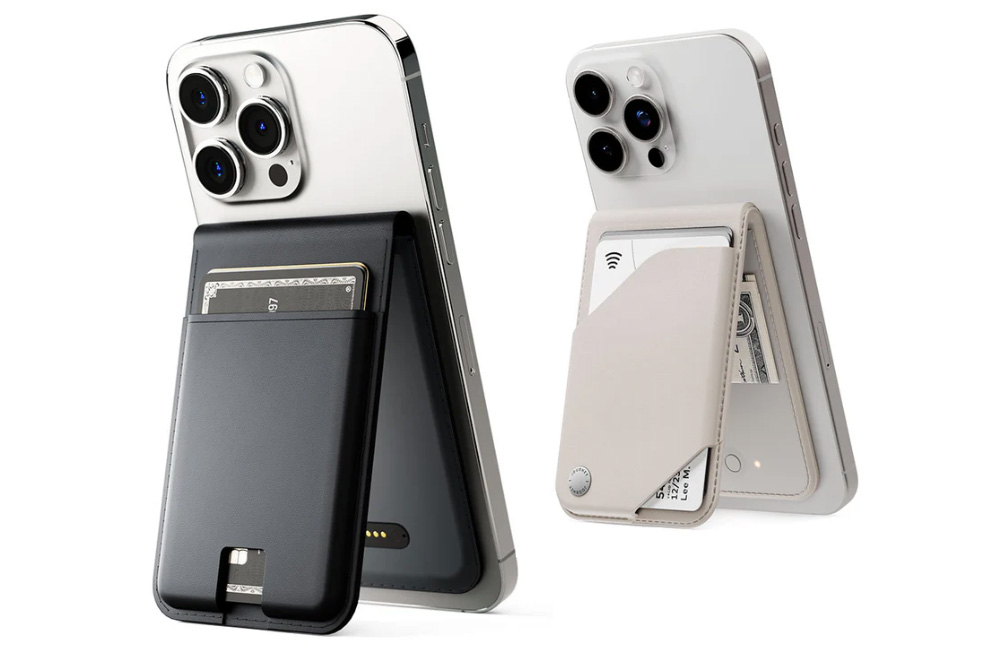
We’ve already looked at the best tracker cards that fit into your wallet but why not go the whole hog and get a Find My wallet?
Best Find My glasses case
If you have the sense to put your glasses away in a case you’d think you remember where you put it. Fear not, Satechi has an Apple Find My-enabled case for your losable specs.

Best Find My MacBook bag and sleeve
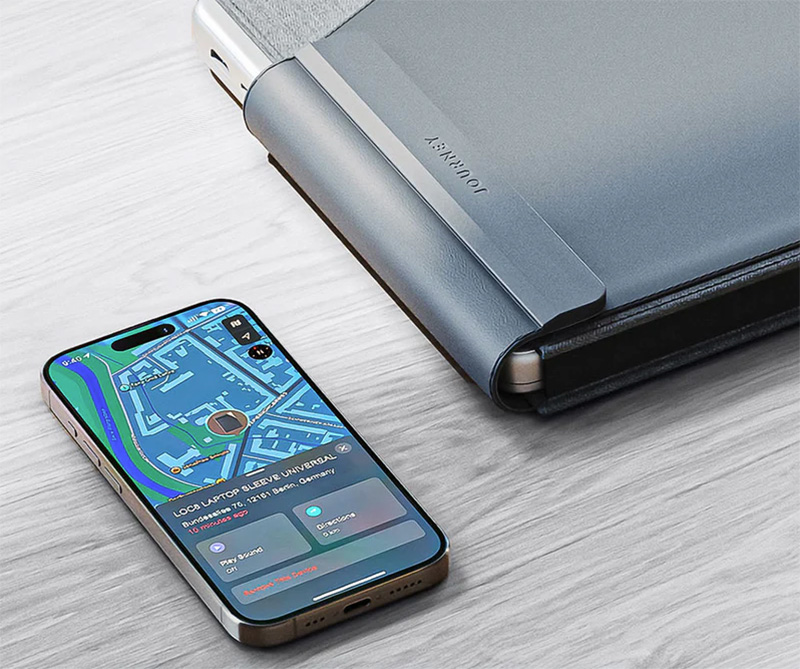
Your MacBook already has Apple’s Find My in its own software but you can double the tracking power with an enabled laptop sleeve that works even when your laptop is switched off and offline.
Best Find My bike tracker
You are less likely to misplace your bicycle than you are your house keys, but there are trackers built specially for bike owners that incorporate theft alarms.

Can the Apple Find My and Google Android Find Hub apps work at the same time?
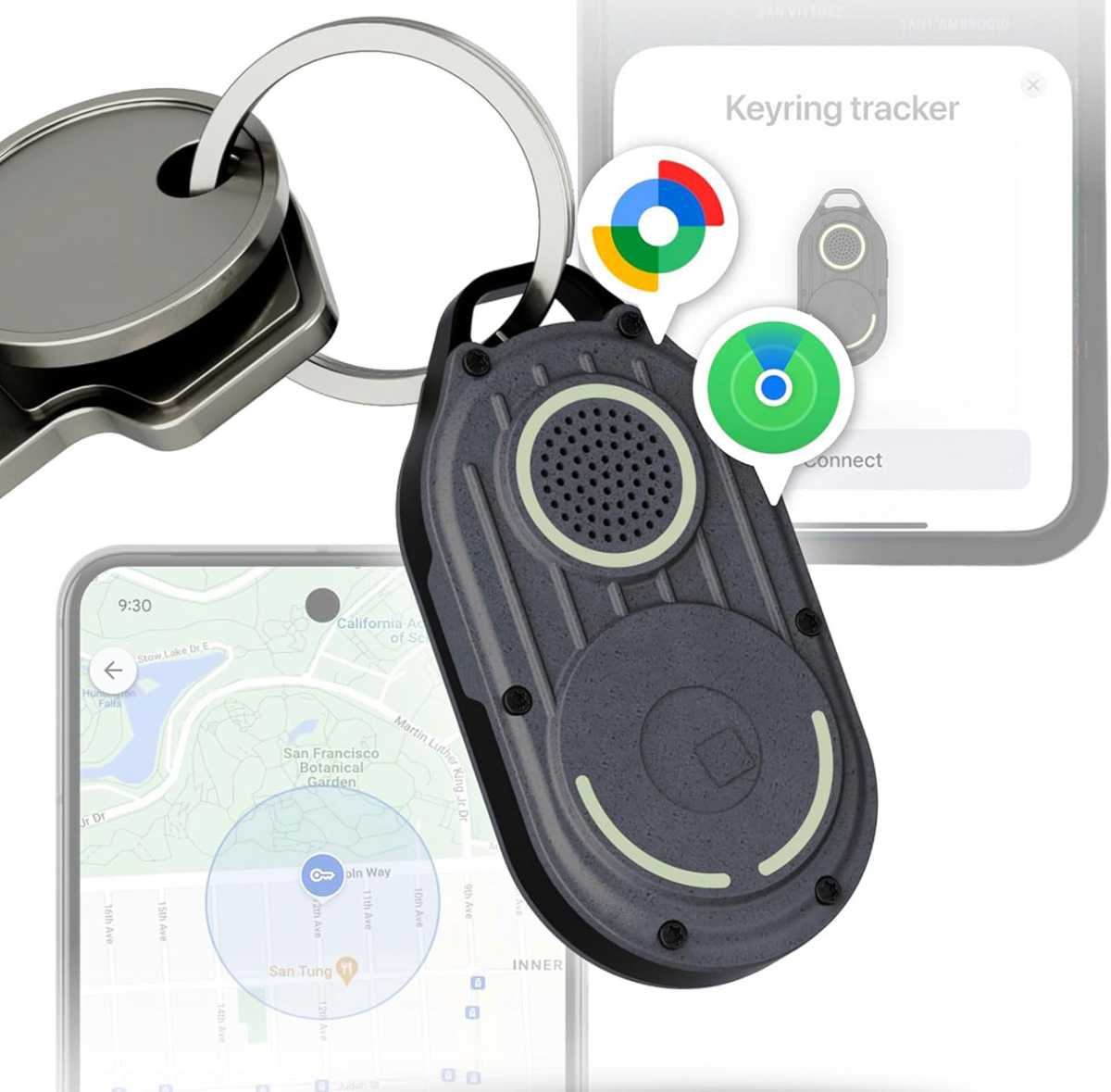
All of the trackers reviewed here support Apple’s Find My app and functionality, and some can be switched over to Google’s Android Find Hub if you change your phone to that platform.
Using both networks simultaneously isn’t possible due to Apple and Google policies and basic incompatibility between the Find My and Find Hub. To switch between the two networks, you must reset the tracker by removing it from the current app and then reconnect it on another device.