Apple’s MacBooks are great, but—as with all laptops—using one isn’t that great for your back or neck.
Continual bowing of the head to see a screen can lead to a stiff neck and what doctors scarily call spinal stenosis, which can compress blood vessels and displace nerves—cutting off blood supply to the brain. That’s not a good thing.
Your screen should be at a comfortable height that doesn’t make you bend your neck down to see it. Try to make sure your eyes are in line with the screen while sitting with a straight back. This also helps when making video calls, so the other people aren’t staring up your nostrils.
Using a laptop stand also makes using a separate keyboard and mouse much easier. See our roundups of the best Mac keyboards and best Mac mouse. And, after use, you can hide away your keyboard under the raised stand on certain models.
Some stands raise the laptop to eye level, and others—known as “vertical” or “closed” stands—just keep the MacBook closed for minimal desk disruption if you have connected external displays to increase your screen size—learn how to set up a second screen for a Mac.
The eye-level, open laptop stands are more ergonomic, raising the MacBook screen so that you are not straining your neck muscles, shoulders and back. It should also reduce screen glare, which means less eye strain and fewer headaches. On such a stand, the MacBook’s webcam will also be at a more natural level with your head, meaning less video calls with people looking up your nose or down on your head.
Buy a vertical/closed laptop stand to keep your desk tidy and free up space for other stuff—be that a charger for your iPhone, backup hard disk, or a cup of coffee.
Both types of stand should also raise the laptop, raising it off the desk and keeping it cooler. If a laptop gets too hot, its performance is likely to suffer.
A laptop stand also works nicely with a MacBook docking station, which can multiply the number of ports and slots available to you and allow for multiple larger displays. Some stands even have their own integrated USB-C hub, which is a very clever addition.
We’ve rounded up the best laptop stands for MacBook that we can find, each with its own special features. Most mimic the clean metal lines of the MacBook range, while others think differently.
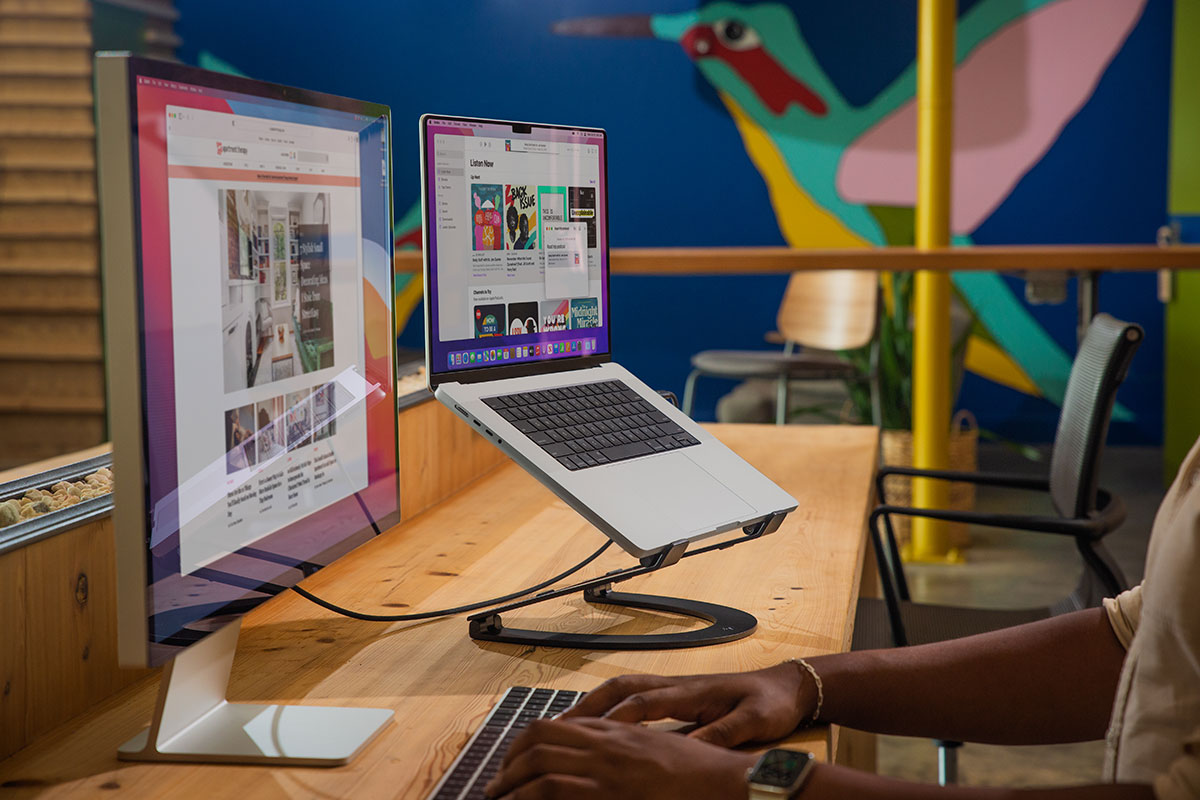
You might also consider one of our best monitor stands for PC or Mac, which can also raise your laptop. Satechi even has a special iMac stand that really looks the part.